Written From Real Use · No Fluff · No Sponsored Posts
Software Guides That
Actually Help You Work
Step-by-step guides for spreadsheets, documents, design tools, and automation. Written by people who use this software daily — not repackaged marketing copy.
Browse Guides →Featured Guides
Our newest hands-on guides across each category
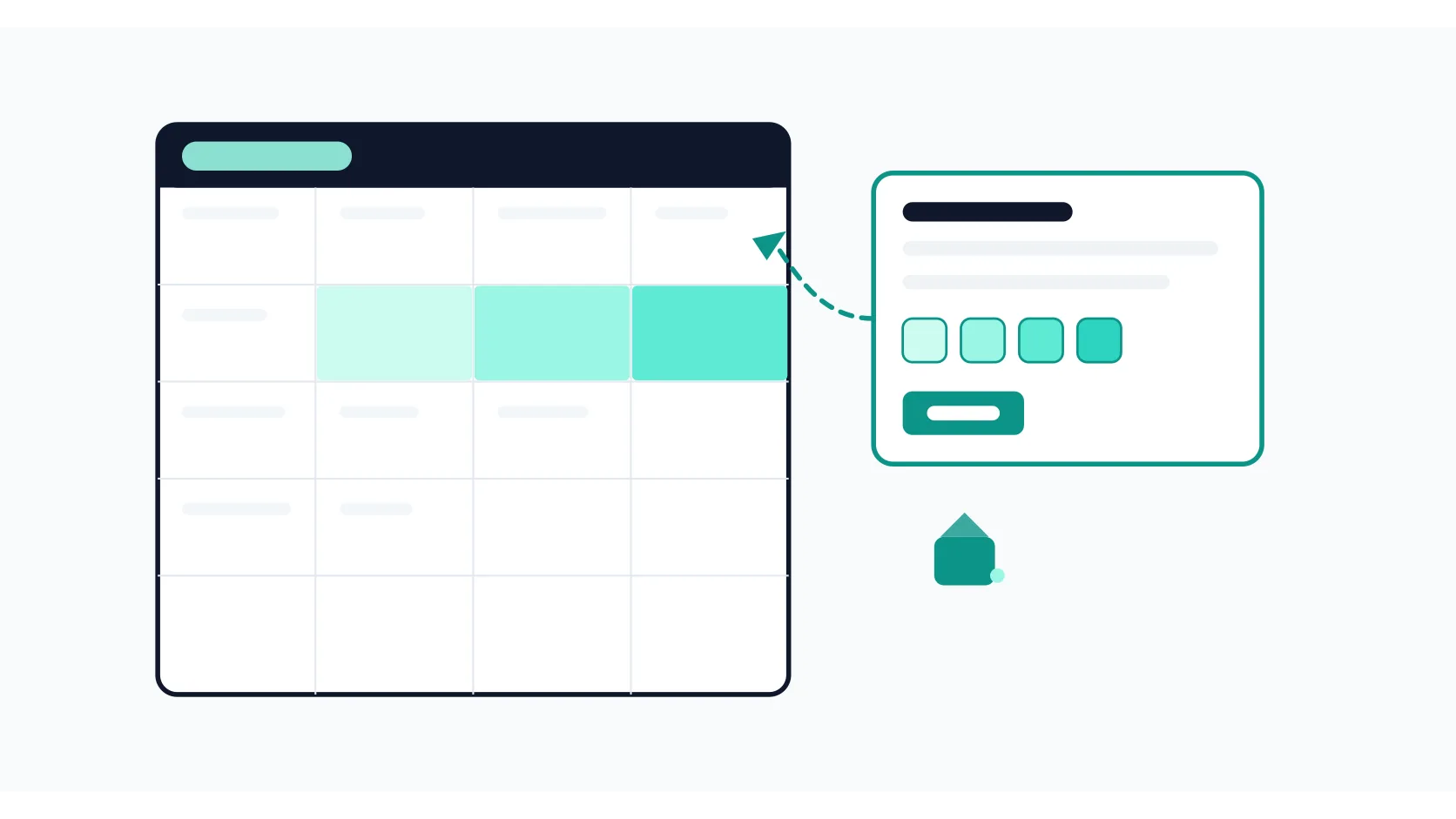
How to Use Conditional Formatting in Google Sheets (Rules, Formulas, and Fixes)
How to use conditional formatting in Google Sheets: built-in rules, color scales, custom formulas that highlight entire rows or flag duplicates, and how to manage multiple rules without conflicts.
Read guide →
How to Add Page Numbers in Google Docs (Skip the First Page, Start From Any Page)
How to add page numbers in Google Docs: insert them in headers or footers, skip the first page, start numbering from any page using section breaks, and fix the issues that make numbers disappear.
Read guide →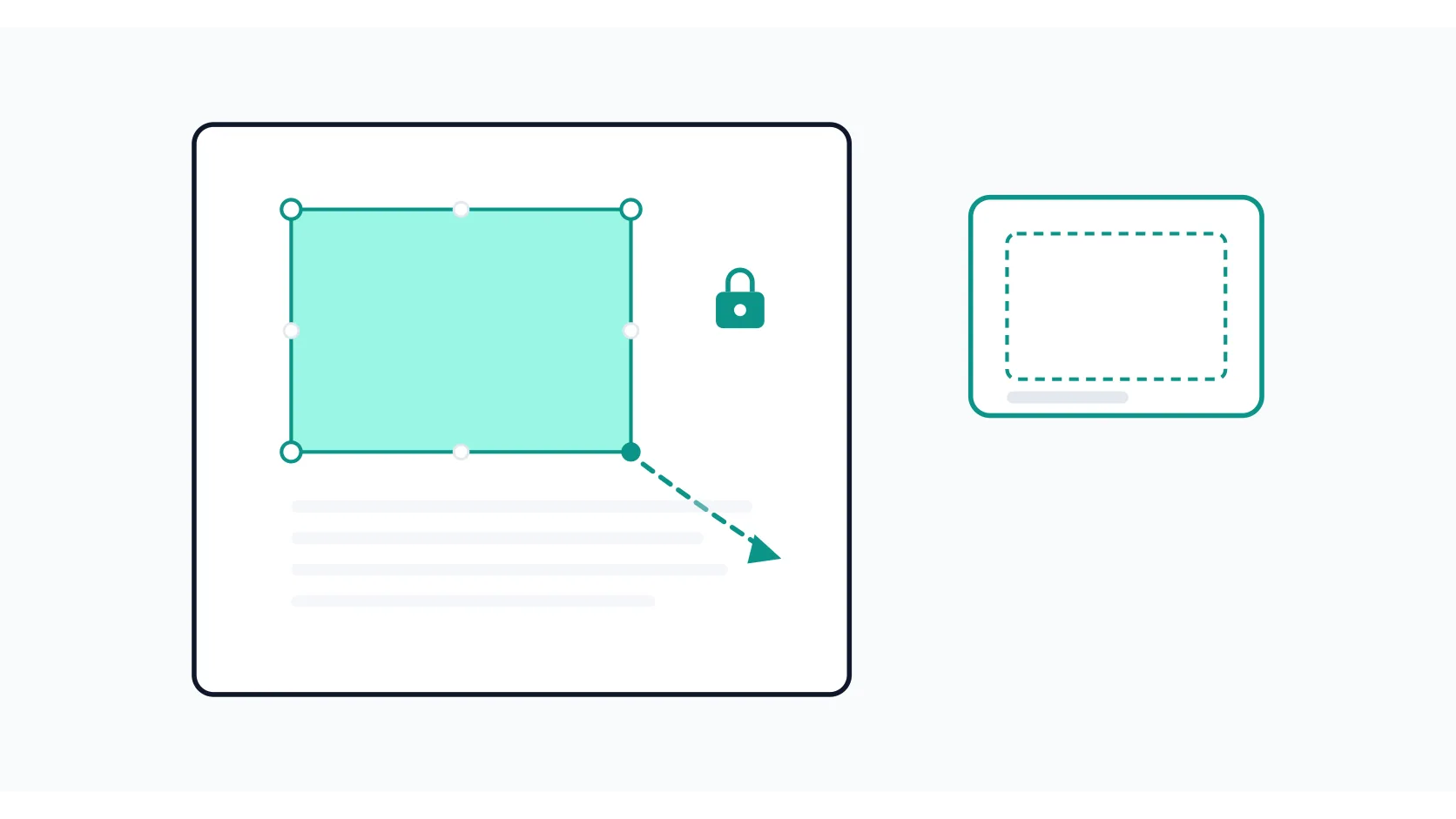
How to Resize an Image in Canva (Without Stretching or Losing Quality)
How to resize an image in Canva: drag corner handles to keep proportions, set exact pixel dimensions, use Magic Switch for whole-design resizing, and avoid the quality and distortion mistakes that trip up most people.
Read guide →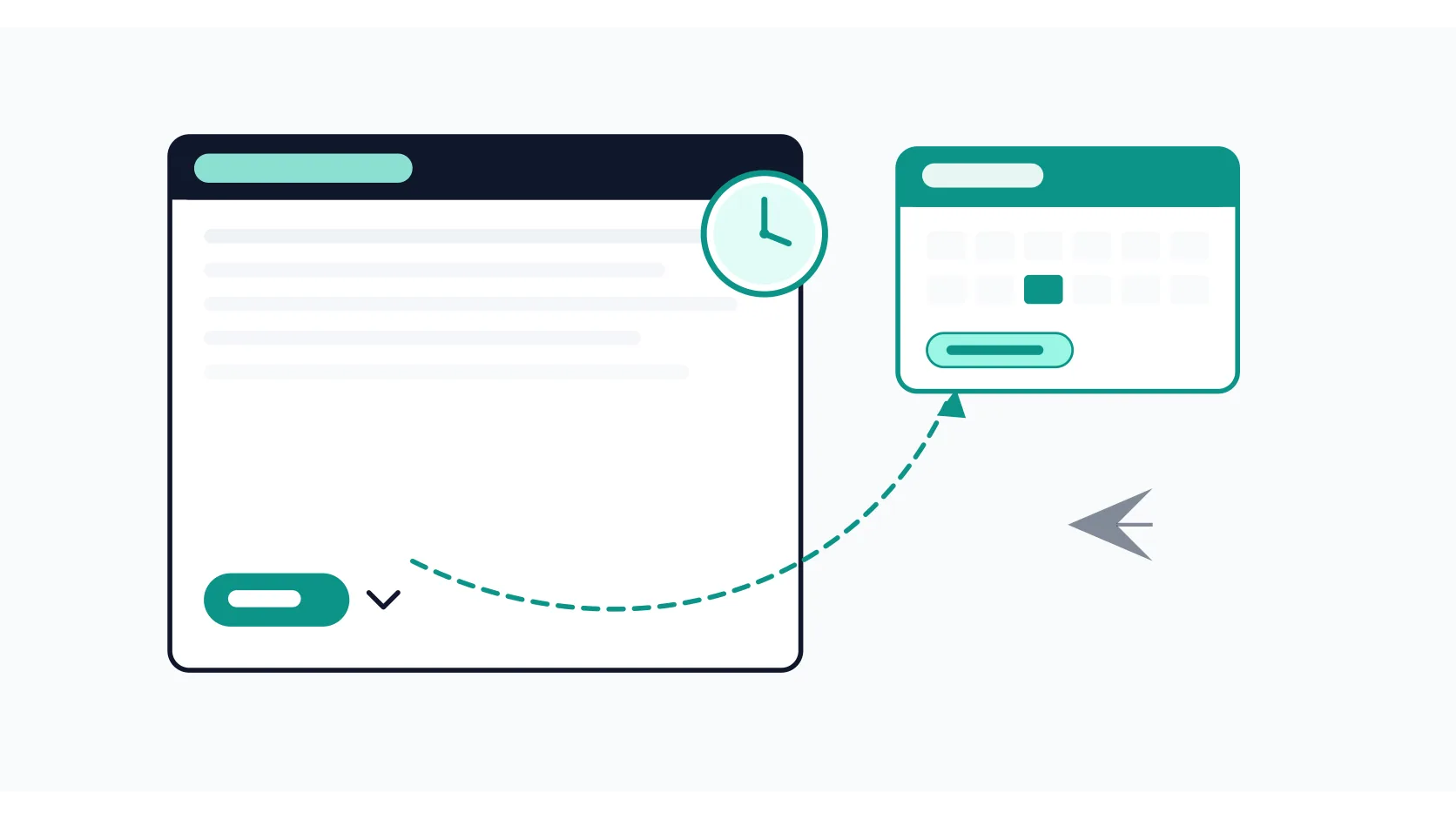
How to Schedule an Email in Gmail (Desktop, Mobile, and How to Cancel)
How to schedule an email in Gmail on desktop and mobile: pick a custom date and time, edit or cancel a scheduled message, and avoid the timezone and attachment mistakes that cause problems later.
Read guide →
What Is AI Voice Cloning? How It Works, What It Costs, and the Consent Rules Creators Need to Know
What is AI voice cloning? How the tech works, what it costs in 2026, consent rules, and what creators can actually do with it.
Read guide →What We Cover
Spreadsheets
Excel and Google Sheets formulas, templates, and automation — written from real use.
Documents & Notes
Word, Google Docs, Notion, and Obsidian guides for writing and organizing your work.
Design & Presentation
Canva, Figma, PowerPoint, and Slides — practical design for people who are not designers.
Workflow & Automation
Calendars, task managers, and connecting your tools to cut down busywork.
AI Tools
Explainers and workflow guides from our AI-tools coverage — kept live as an archive, no longer expanding.
Latest Guides
The newest hands-on guides we've published

How to Create Filters in Gmail (Automate Your Inbox in 10 Minutes)
How to create Gmail filters step by step: choose criteria, pick actions like auto-labeling or archiving, and set up practical rules that keep your inbox organized without manual sorting.
Read guide →
How to Create a Table of Contents in Google Docs (and Fix It When It Breaks)
How to insert, update, and customize a table of contents in Google Docs using heading styles — plus the fixes when headings don't show up or the TOC won't update.
Read guide →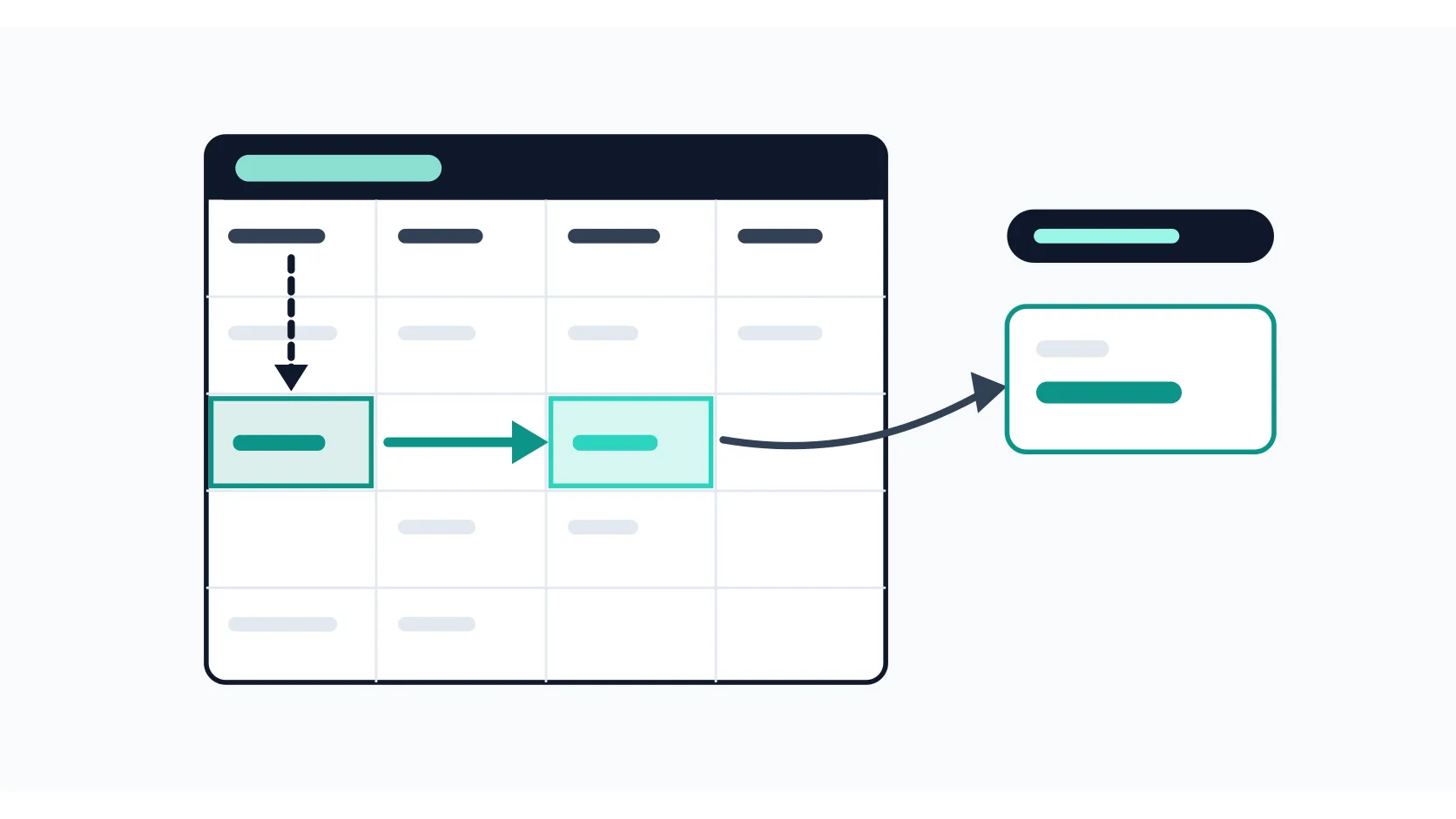
How to Use VLOOKUP in Google Sheets (Examples and Every Error Fix)
How to use VLOOKUP in Google Sheets: the four arguments explained with a real example, exact vs approximate match, and the fix for every error it can throw.
Read guide →Why Trust FazTest
Every guide is written from real daily use — not documentation summaries
Written From Real Use
Every guide is written by someone who uses the software in their own daily work — invoices, reports, presentations, automations. If we haven't done it ourselves, we don't write about it.
Kept Current
Software updates change menus, rename buttons, and remove features. We revisit guides when a major update lands so the steps still match what you see on screen.
Honest About Limits
We tell you where the free tier stops being useful, which workarounds are fragile, and when a different tool is the better choice. No sponsored placements.
Get Your Work Done Faster
Browse 29 practical software guides. Find the exact steps, formulas, and settings you need — without wading through 2,000-word intros.
Explore Categories →